SSL JA4 Fingerprint
JA4 is a next-generation TLS client fingerprinting method and the successor to JA3. Compared to JA3, JA4 offers better readability, extensibility, and resistance to interference, enabling more accurate identification and differentiation of TLS clients.
This feature was first introduced in version 26.3.1-1.
s
Enabling JA4 Fingerprint Calculation
JA4 fingerprint calculation is disabled by default and must be manually enabled in the global configuration.
Navigate to Global Config > General Settings, find the Calculate SSL/TLS JA4 Fingerprint option and enable it:
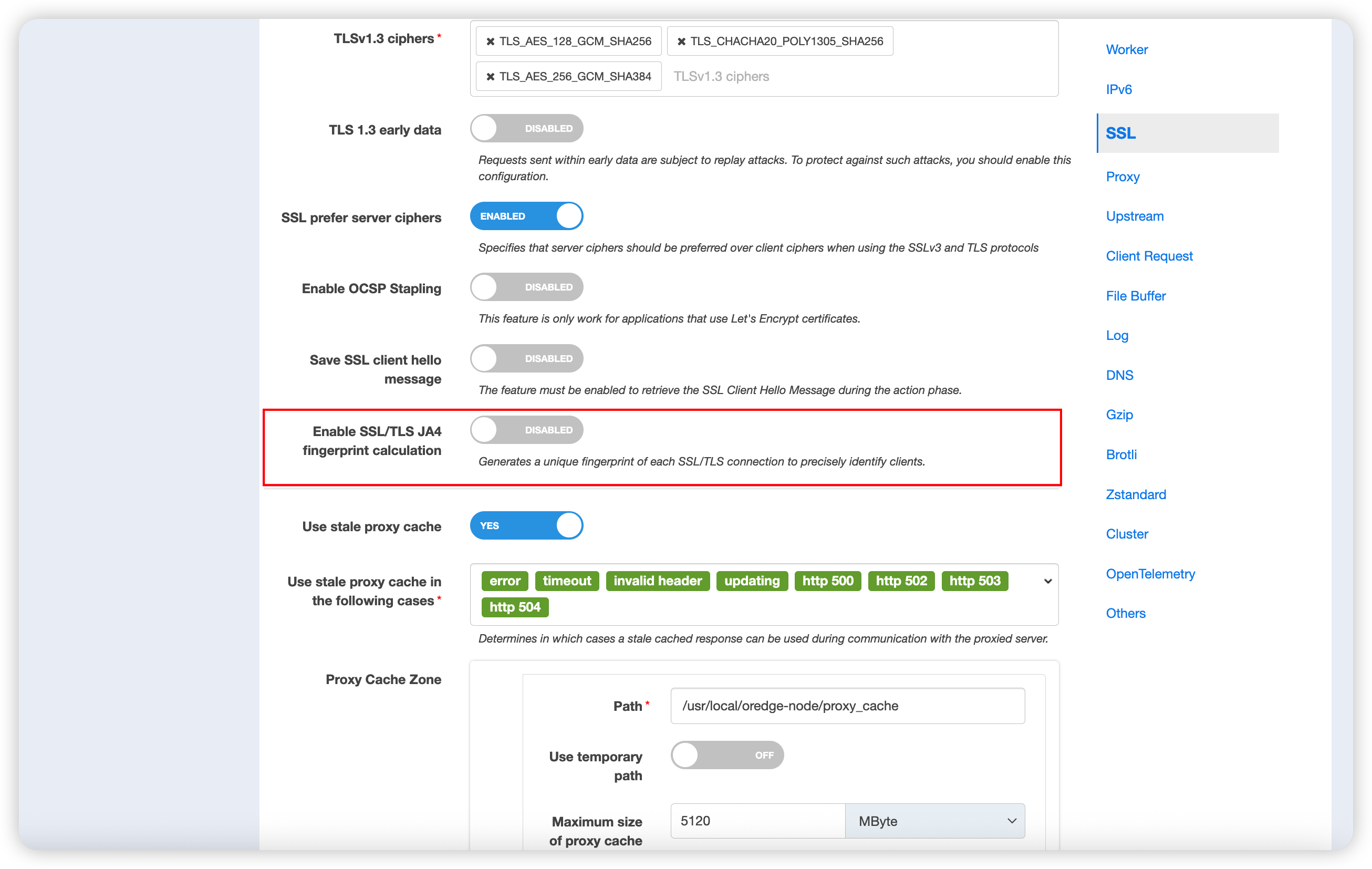
Note: JA4 fingerprint calculation consumes additional computing resources. It is recommended to keep it disabled if not needed.
Retrieving and Using SSL JA4 via Edgelang
Once enabled, you can use the ssl-ja4() function in Edgelang page rules to retrieve the JA4 fingerprint of the current connection.
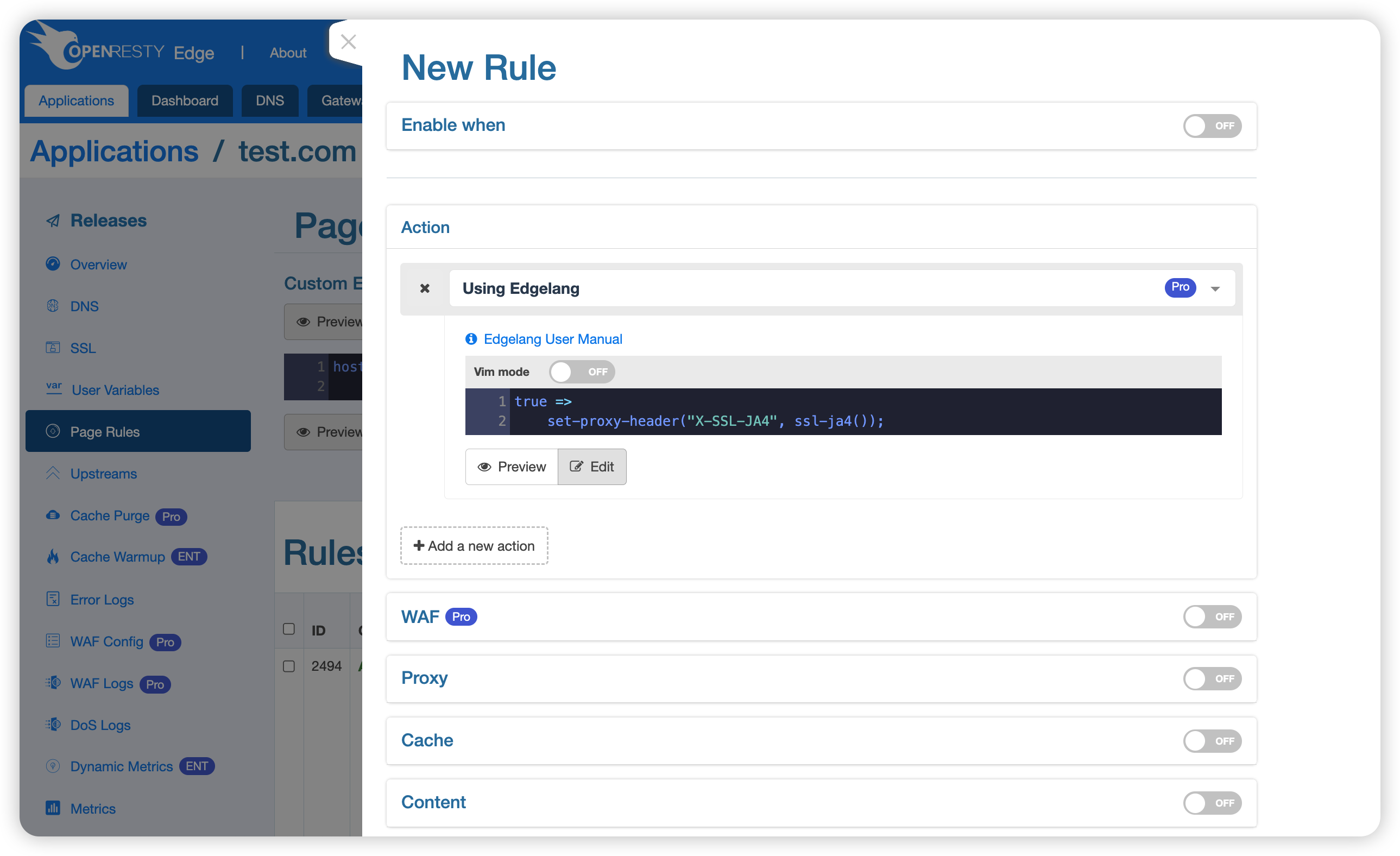
Passing the JA4 Fingerprint to Upstream Servers
true =>
    set-proxy-header("X-SSL-JA4", ssl-ja4());
Access Control Based on JA4 Fingerprint
ssl-ja4() eq "t13d1516h2_8daaf6152771_b0da82dd1658" =>
    exit(403);