Proxy Cache Actions
In addition to the proxy actions described in Proxy Request URI Actions and Proxy Request Header Actions, OpenResty Edge also provides more proxy actions.
Enable Proxy Cache Revalidate
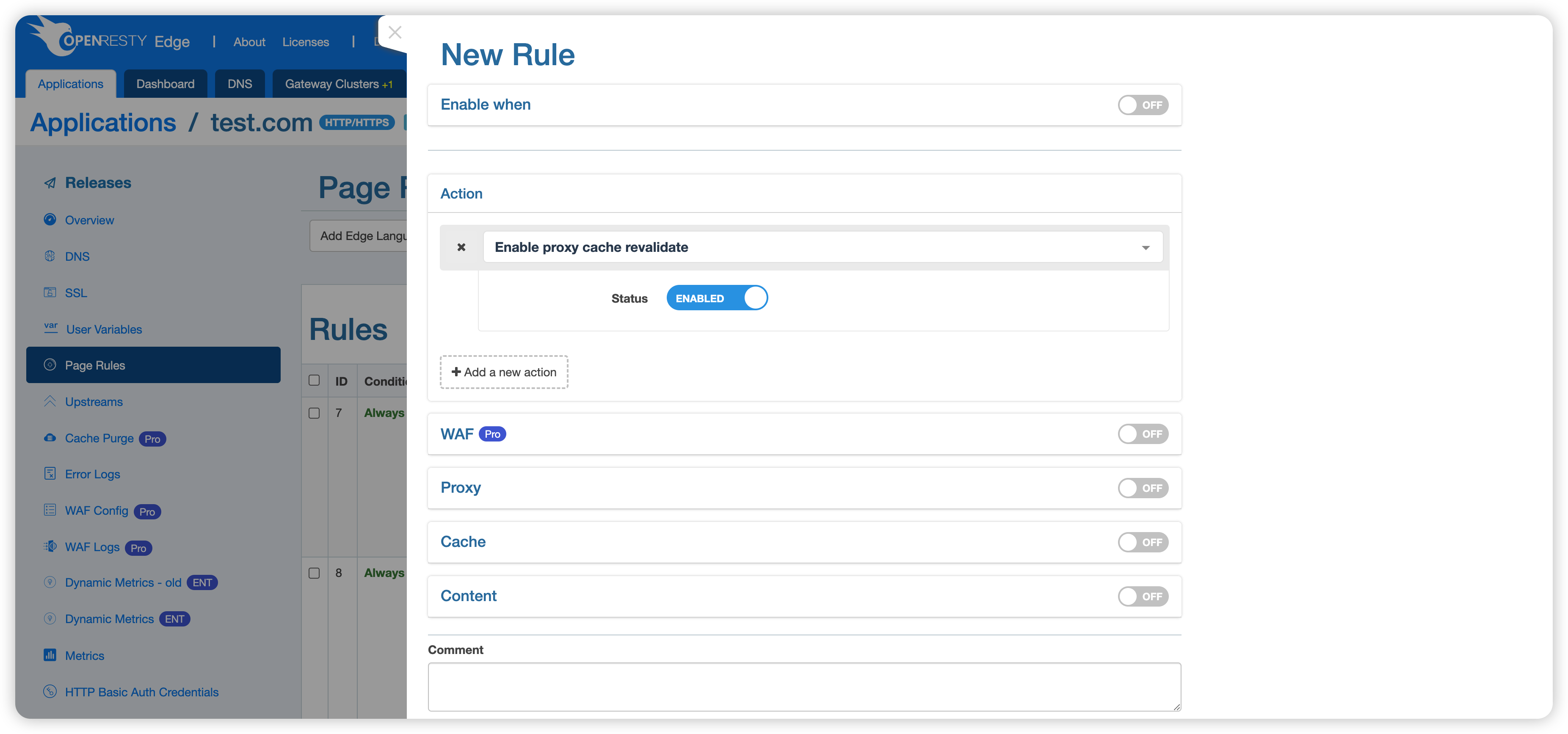
This action is used to enable: the revalidation of expired cached items using conditional requests with “If-Modified-Since” and “If-None-Match” header fields.
Use Stale Proxy Cache
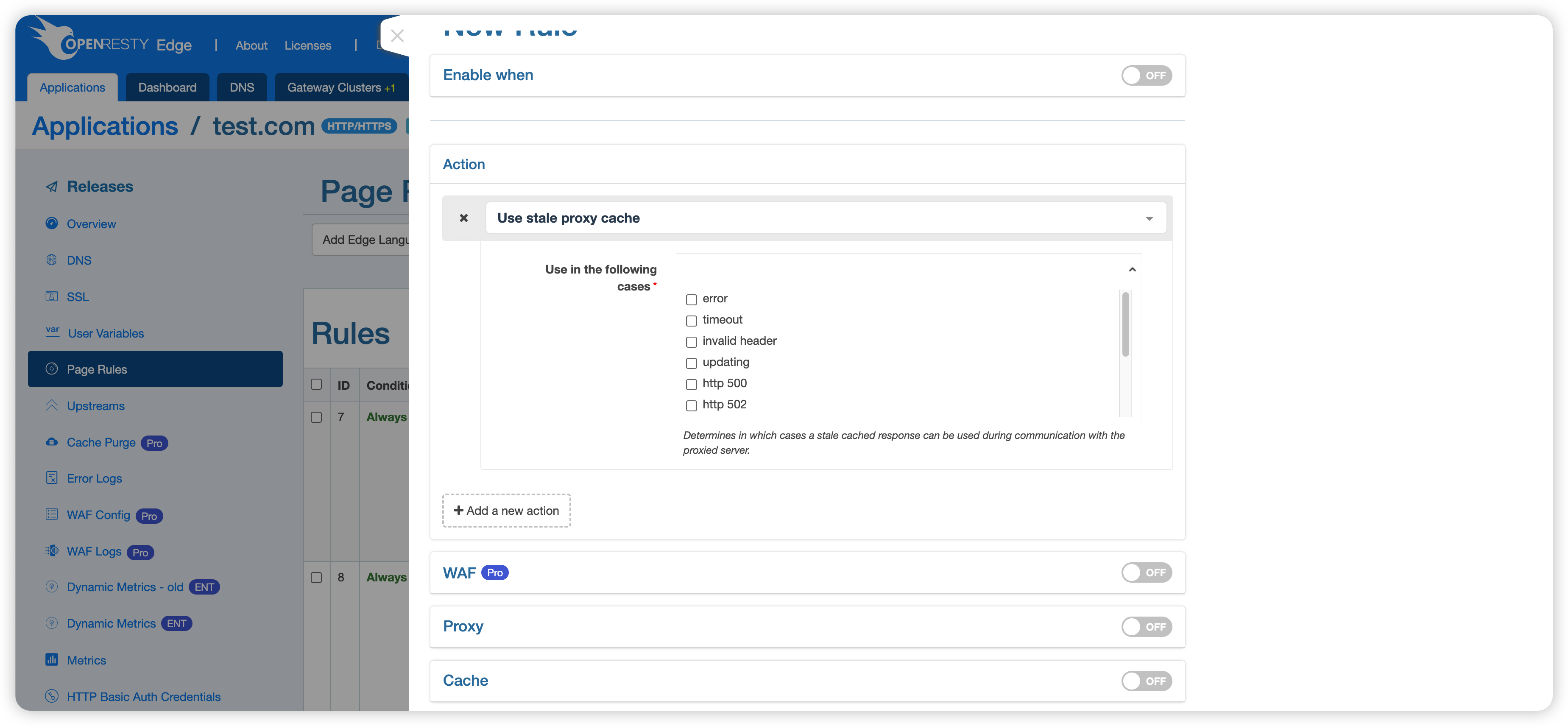
This action is used to determine the circumstances under which stale cached responses can be used in communication with the proxy server. For example, when a 504 error occurs on a request, the old cache is used for the response.
Proxy Cache Bypass
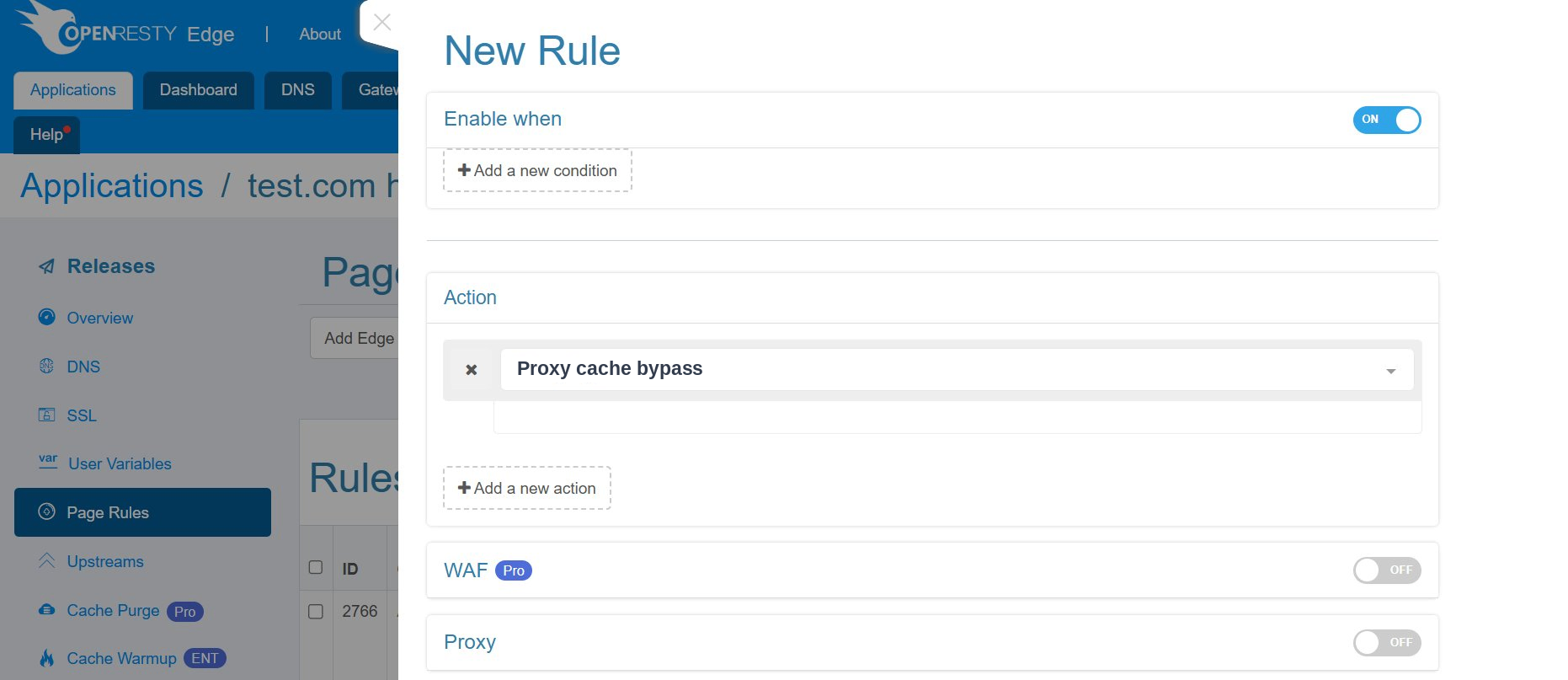
When this action is enabled, the response will not be taken from a cache.
Proxy No Cache
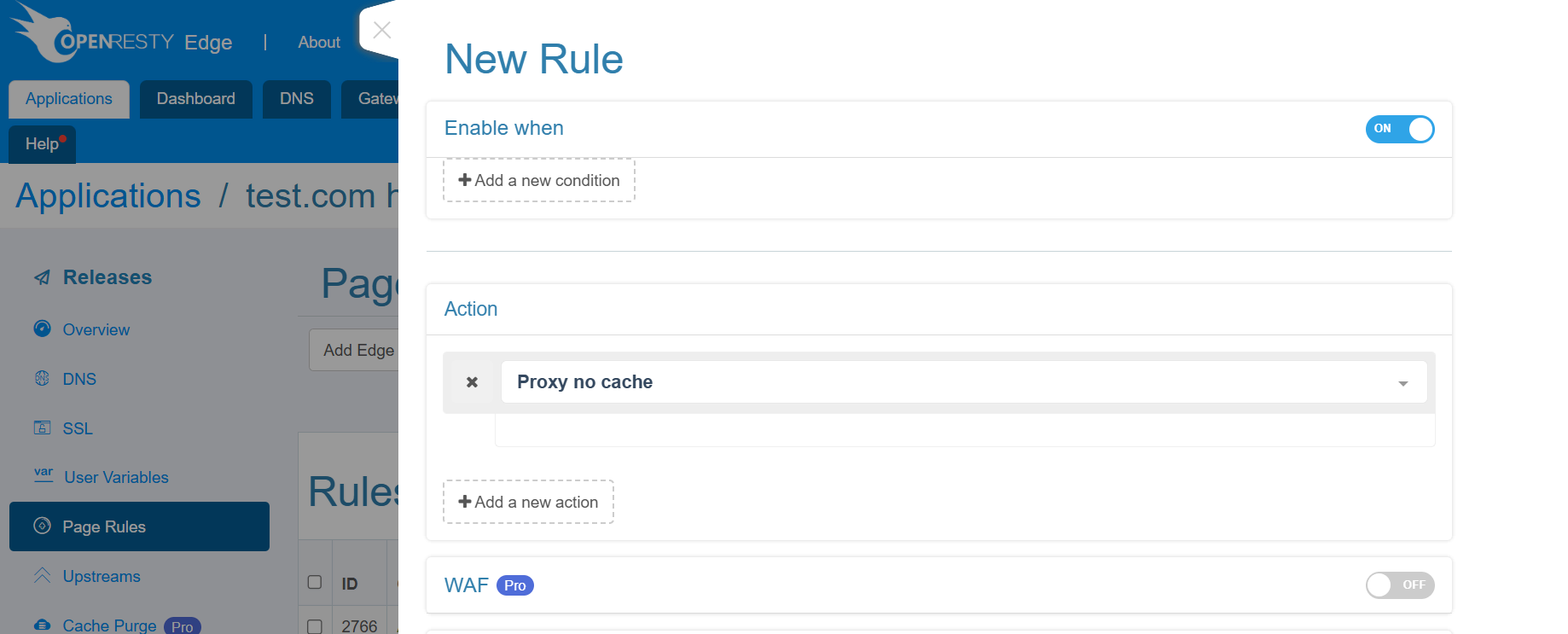
When this action is enabled, the response from upstream server will not be saved into the cache.
Follow HTTP Redirect
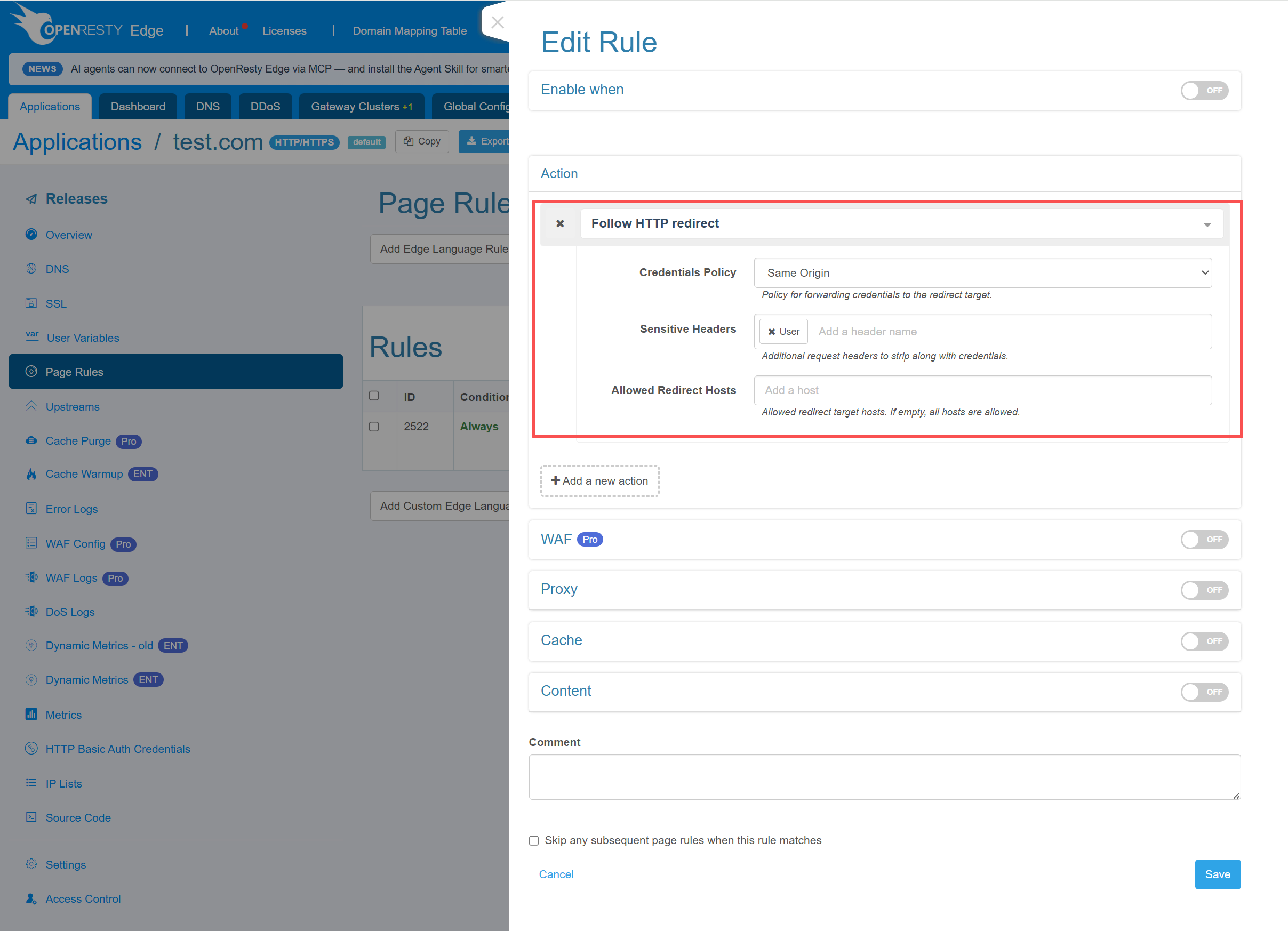
This action follows an HTTP or HTTPS redirect returned by the current upstream.
When the upstream response contains a non-empty Location header, the action
handles status codes 301, 302, 303, 307, and 308. Each request follows
at most one redirect. If the redirect target returns another 3xx response, Edge
returns that response directly to the client.
Benefits and use cases
This action lets the Edge node follow an upstream redirect on behalf of the client and return the redirect target’s response directly. It avoids an extra client-side redirect round trip, simplifies client logic, and reduces the need to expose upstream redirect targets to clients.
Common use cases include:
- An upstream redirects file downloads, images, or other static resources to a trusted object-storage or CDN host.
- An upstream service has moved to a different path or host, while clients should continue receiving the final response through the existing Edge endpoint.
- An API or download service redirects to a target that clients cannot or should not access directly.
You can configure the following options:
- Credentials Policy controls whether credential headers from the original
request are forwarded to the redirect target.
Same Originis the default and preserves credentials only when the scheme, host, and effective port are unchanged.Omitalways removes credentials.Includepreserves credentials even for a cross-origin redirect. - Sensitive Headers is optional. It adds application-specific request
headers to the credential header set so that they follow the selected
credentials policy. The built-in credential headers are
Authorization,Proxy-Authorization,Cookie, andCookie2. - Allowed Redirect Hosts is an optional allowlist of target host names. If a
redirect changes the host, it is followed only when the target host is in
this list; otherwise, the request fails with status
502. Redirects that keep the original host are always allowed. Leaving this field empty permits redirects to any host.
For a 303 response, every request method except HEAD is changed to GET,
and the request body is removed. For 301 and 302 responses, POST is
changed to GET, and the request body is removed. All other combinations,
including 307 and 308, preserve the original request method and body.
Security note: This action permits cross-origin redirects, so an upstream can direct the Edge node to any HTTP or HTTPS address that the node can reach. Enable it only for trusted upstreams, or set Allowed Redirect Hosts to the smallest practical allowlist. Use
Includeto forward credentials across origins only when explicitly required and safe.
This action was first introduced in OpenResty Edge 26.9.1-1. For complete
behavior details, see the
EdgeLang follow-http-redirect
documentation.