User Management
Users can be managed on the Global Config > Users & User Groups > User Management page.
A user’s permissions are determined by the user groups they belong to. A user can belong to multiple user groups simultaneously.
Enabling LDAP Login
Configure the LDAP service on the Global Config > Users & User Groups > LDAP Configuration page.
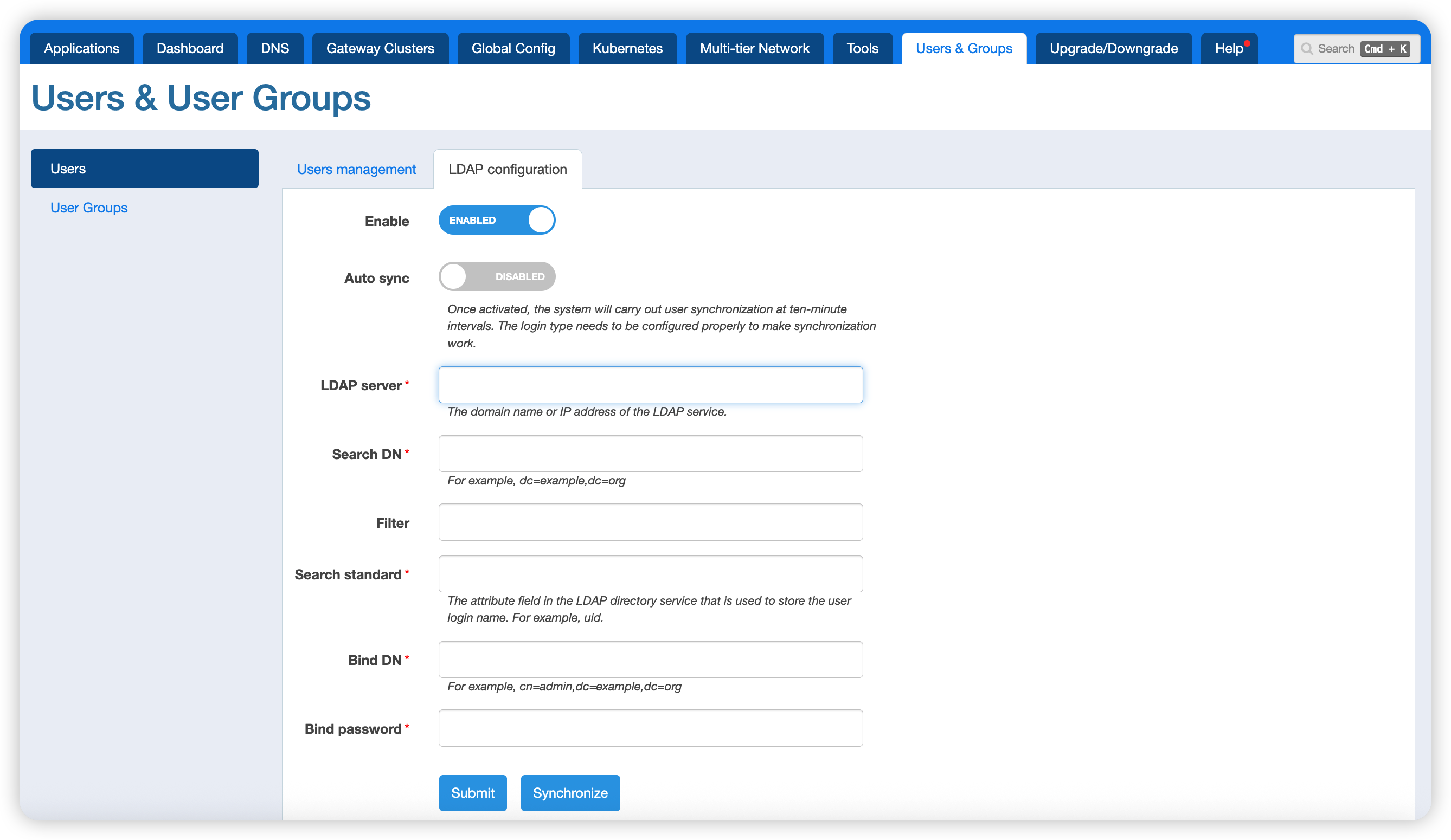
Auto Sync: When enabled, the system automatically syncs users every 10 minutes. Synced users must have their login method configured before they can be used normally. You can also click the sync button to trigger a manual sync.
LDAP Server: The address of the LDAP service, e.g., 127.0.0.1:389, ldap://127.0.0.1, ldaps://example.com. The ldaps protocol was first introduced in version 26.3.1.
Search DN: e.g., dc=example,dc=org.
Search Method: The field used for the login username, e.g., uid.
Admin DN: e.g., cn=admin,dc=example,dc=org.
SSL Verification: Controls whether SSL verification is enabled for ldaps servers. First introduced in version 26.3.1.
User Groups and Permissions
User groups can be managed on the Global Config > Users & User Groups > User Groups page.
The system includes three built-in user groups: Super Admin, Admin, and Regular User. The permissions of the built-in Admin user group cannot be modified.
Permission Configuration
The following permissions can be configured per functional module for each user group:
- Read: The user can access data.
- Write: The user can create, edit, and delete data.
- Read All: The user can access data belonging to other users.
- Write All: The user can create, edit, and delete data belonging to other users.
- Max Record Count Limit: The maximum number of records the user can create.
- Record Type Limit: The types of records the user can create.
Permission Override Rules
User group permissions can be overridden in the following cases:
- The creator of an application automatically has full permissions for all modules within that application.
- For users added through
User Access Controlwithin an application, their read and write permissions are determined by the access control configuration. If a user group is added, the application becomes visible to that user group, but write permissions are still determined by the user group’s permissions. - After a user group is added to global certificates, global static files, global custom actions, global user variables, global rewrite rules, global upstreams, or DNS applications, the data becomes visible to the user group in addition to the creator, but write permissions are still determined by the user group’s permissions.