MQTT and MQTTS Applications
MQTT and MQTTS applications proxy long-lived connections between MQTT clients and brokers. MQTT uses a clear-text connection, while MQTTS protects the client-to-gateway connection with TLS.
This feature was first introduced in OpenResty Edge 26.12.1-1.
Prepare the gateway partition
First open Gateway Clusters > Gateway Partitions and add MQTT or MQTTS listener ports to the target partition. An application can select only ports configured for its protocol in that partition.
Create an application
- Open Applications and click New Application.
- Select MQTT or MQTTS, and enter the application name and partition.
- Select a listener port and save the application.
- Add a TCP upstream with the broker address and port.
- For MQTTS, configure the certificate and TLS options on the SSL page.
- Review and publish the changes on the Releases page.
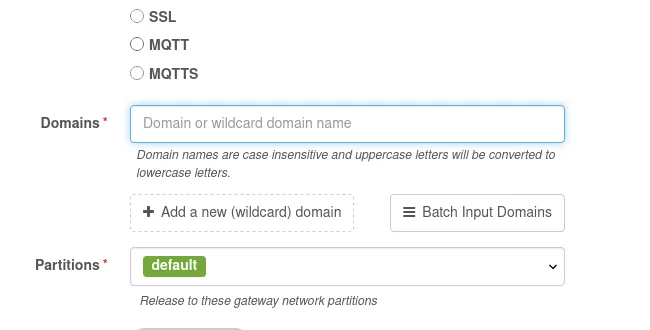
An MQTT application has no SSL page. An MQTTS application adds SSL settings to the usual stream-application pages, and clients must use TLS on its listener.
Match the MQTT Client ID
A page-rule condition named MQTT Client ID matches the Client ID sent in the
MQTT CONNECT packet. Use it to apply rate limits, access control, or logging
to particular devices or tenants. MQTTS applications can also use the SNI
Server Name condition.
Publish the application after saving a rule. The client supplies its Client ID, so the value alone is not a trusted identity credential. Where authentication is required, combine it with broker authentication, a TLS client certificate, or another access-control mechanism.
Operational notes
- MQTT sessions are often long-lived. To observe an active connection periodically, enable Segmented Access Logs.
- MQTT has no HTTP-style response body, so MQTT and MQTTS page rules do not offer the output-response-body action.
- MQTT and MQTTS have separate user-group permission modules. Grant only the application types and operations that a user needs.