AI Agent, MCP, and Agent Skill
The Edge AI Agent inspects configuration, explains operational state, and proposes changes from within Edge Admin. It is available as an immersive page, a popup, an authenticated MCP server, and a downloadable agent skill.
This feature was first introduced in OpenResty Edge 26.9.1-1.
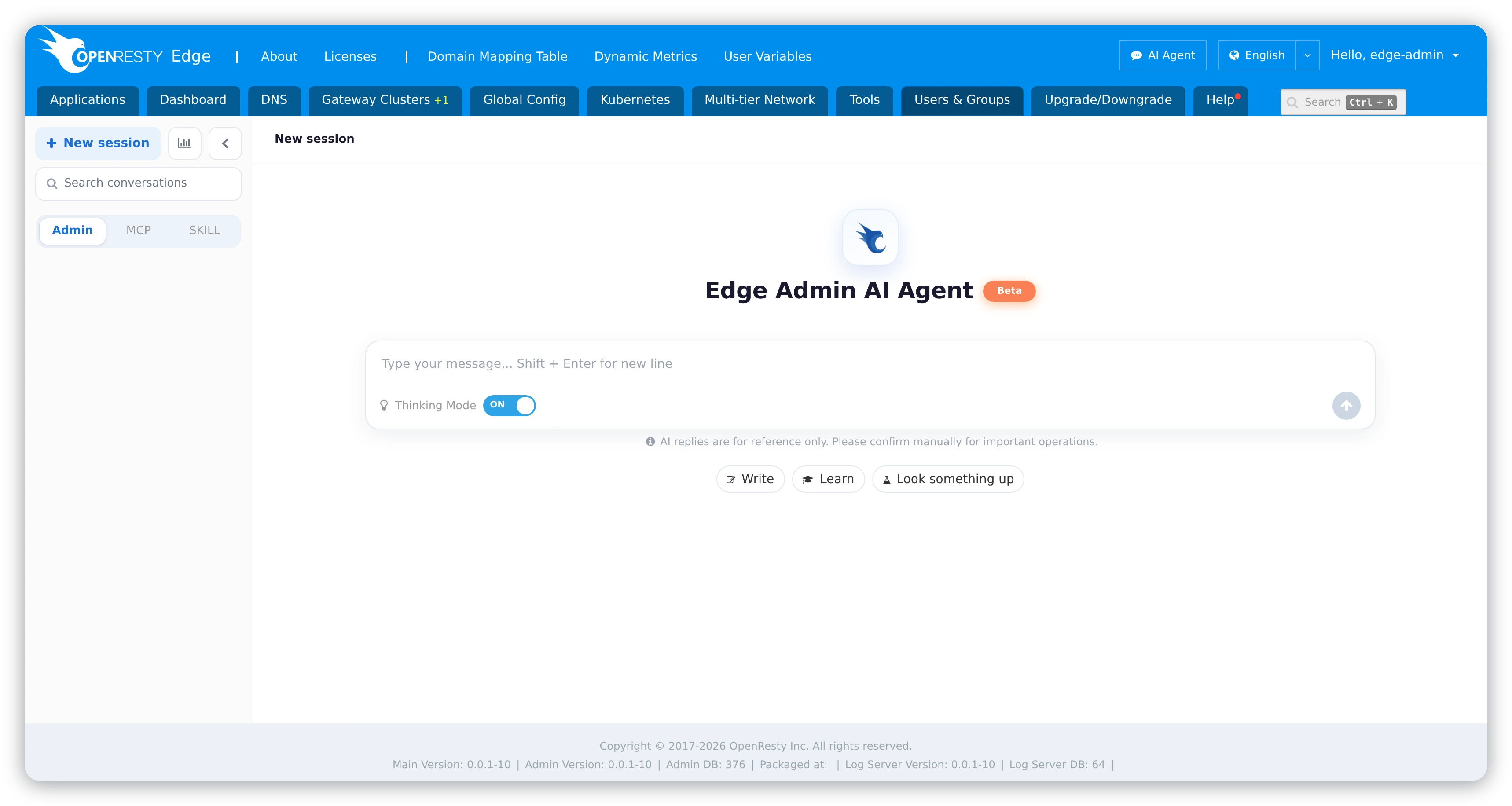
Use the AI Agent in Edge Admin
Select AI Agent in the top-right corner of the page, then start a new session or pick one from the history. The source filter shows Admin sessions by default; switch to MCP or Skill to inspect sessions created through those integrations, which are read-only here.
Review state-changing operations
Read-only tools run immediately. A tool that changes Edge state pauses at a confirmation card showing the tool name, parameters, affected resource, and risk label. Only the session owner can answer it.
Treat an AI proposal like any other administrative change: verify resource identifiers and parameters before approving, and never approve a destructive operation merely because the agent proposed it.
Connect an MCP client or agent skill
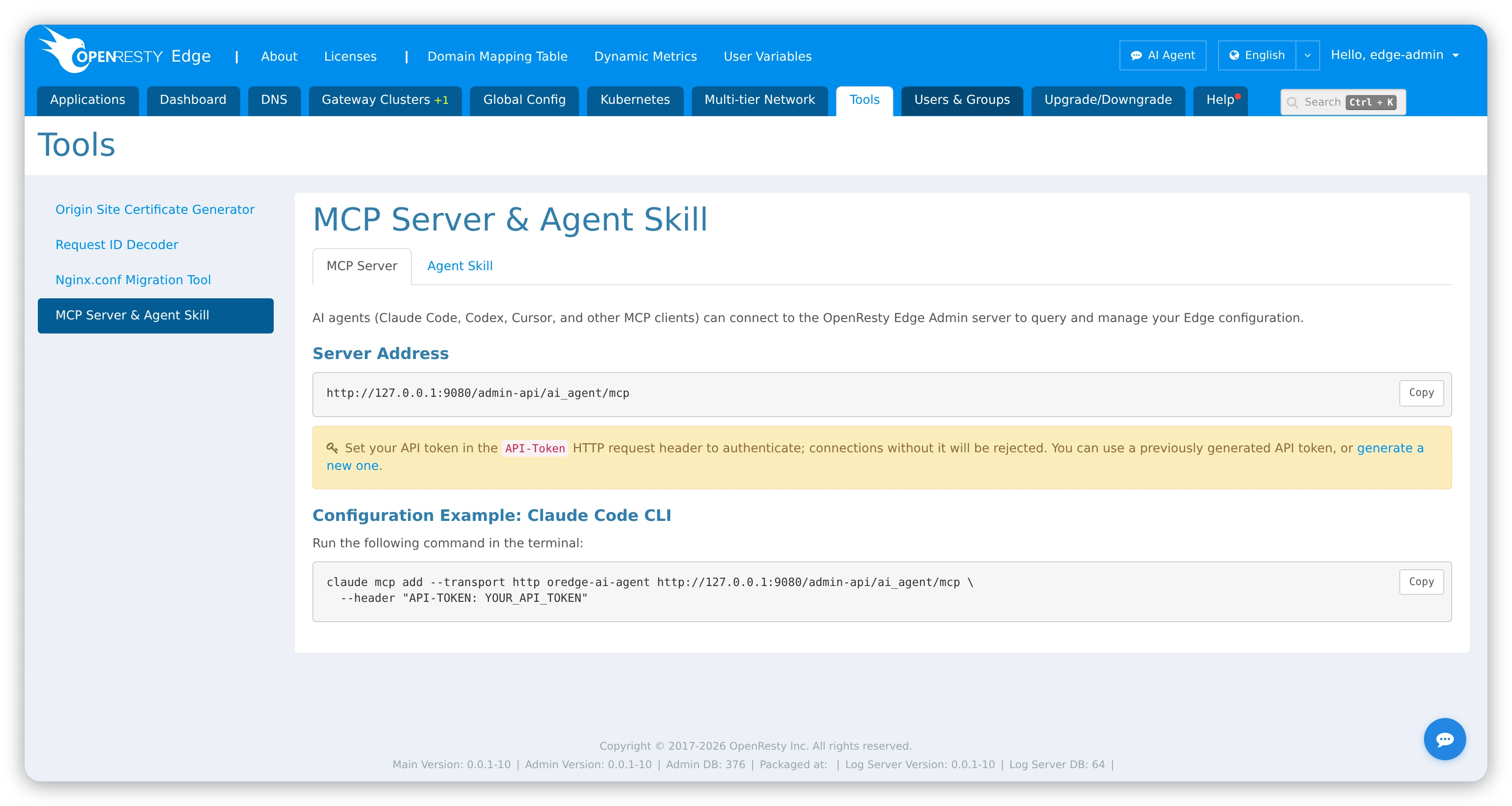
Open Tools > MCP Server & Agent Skill for the server address, the
API-Token field, a Claude configuration command, and the skill download.
The MCP endpoint uses authenticated Streamable HTTP and can return Server-Sent Events:
POST /admin-api/ai_agent/mcp
The server exposes a single stateful ai_agent facade. Keep the returned
session_id, and send approve or reject whenever a call asks for
confirmation.
Download the portable Agent Skill from GET /admin-api/ai_agent/skills/oredge-ai-agent.zip.
Always use a dedicated, least-privilege API token. Every entry point requires AI Agent permission, and authenticating never grants access to resources that the current Edge user could not otherwise reach.